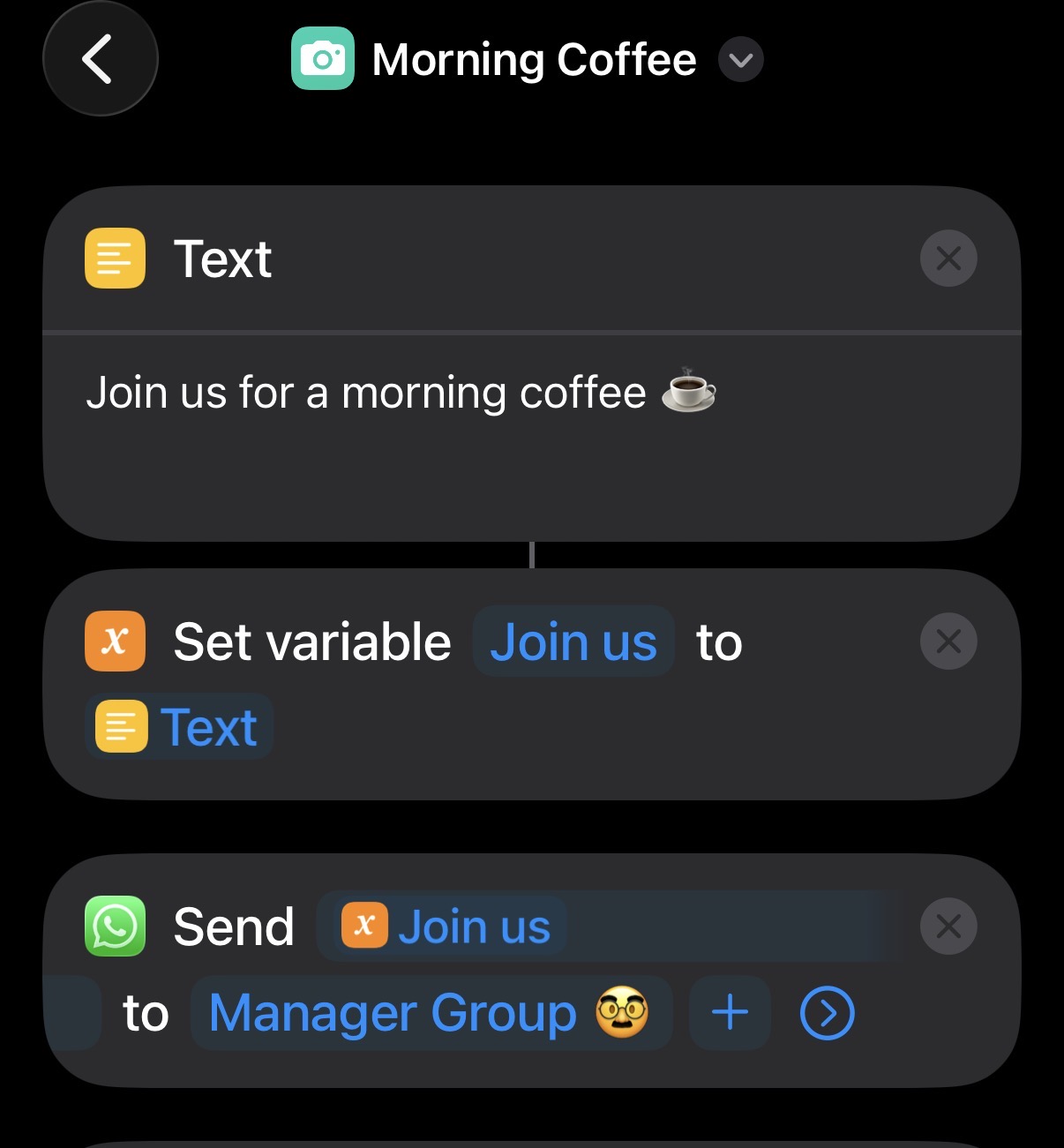
I am trying to automatically send text and the latest image in my album to a previously saved contact, but nothing seems to work. I did manage to send Text to a contact, the image is not being attached. Any ideas?
1 Like
Looking at someone else’s phone (I don’t do Meta apps), I can see two What’s App actions. One that accepts media and one that accepts text. Judging by that, you would need to use both actions to send both content items to the same contact. Is that what your shortcut does?
You should consider sharing a link to a sanitised version of your shortcut. Trying to debug without seeing what you have done makes things many times harder.
ok, cool! Here is the link. When I run this, it prompts me to write a message which I try to avoid. let me know if the link is visible to you.
It looks like you are getting a photo, passing that to the action to send a photo via WhatsApp, and then passing the output from that (which according to the actions info is the input) to the send text via WhatsApp action, but you have set the last screenshot as the text to send (which I guess is overriding the passed in input). I would expect Shortcuts the default to the name of the last screenshot, but perhaps not. Maybe it can’t and that is why you are getting a prompt?
As I noted I don’t have WhatsApp, but try removing the last action and test that she nds the photo. If that works add the send message via WhatsApp action back and enter some text to send. Retest and see if you then get both the image and the text.
If that fails, try adding a “Nothing” action between the second and third actions to force the text sending action to ignore any passed in input.
ok, will try that and run some tests! ty for your time
How did you do that?
Did this end up working? I’d like to do the same, but can’t seem to get it to work, no matter how many variations I try.
1 Like
Hello!… I’m having this issue for sending photos.
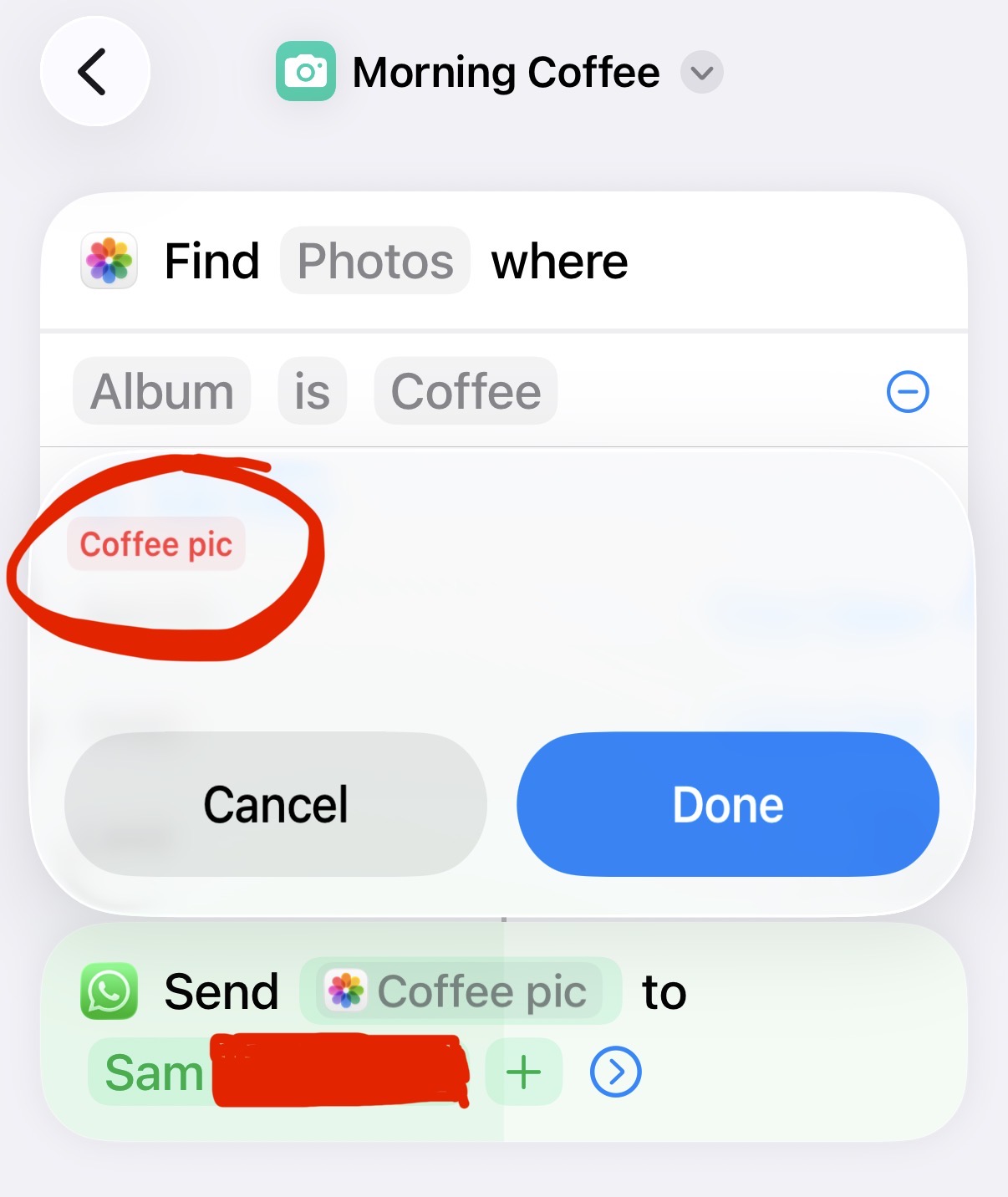
I have been able to automate sending texts via whatsapp, and I can send a photo via whatsapp if I have been prompted on where to send it, but I can’t seem to send photos via an automation.
This is the error that I get:
Did you figure it out?
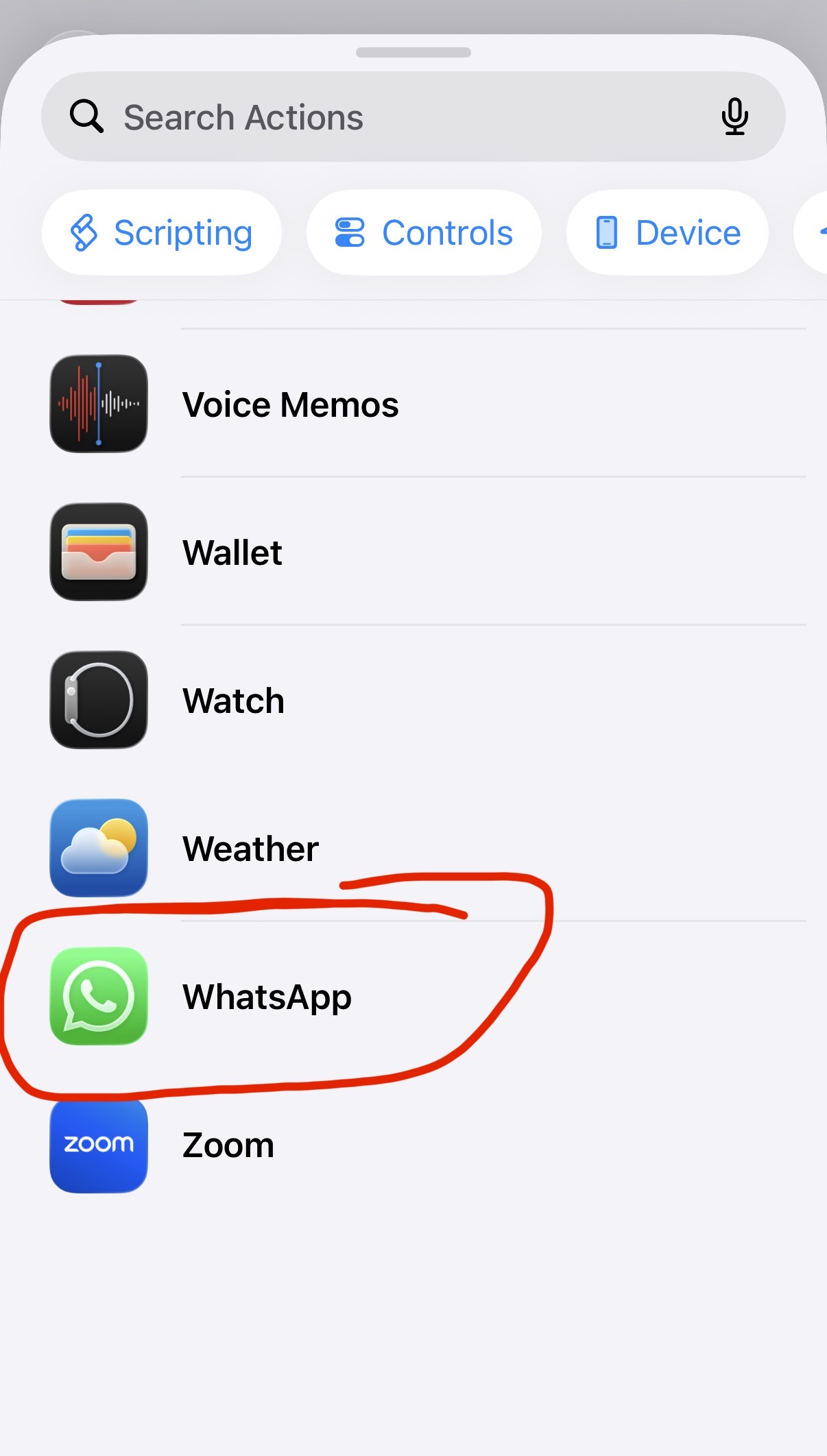
I found that to send anything to a chat group, you need to use the automation that chooses that group. That can be found at the bottom of the options when you search for automations directly in the options available specifically from the whatsapp app option in the list.
For the right chatgroup to appear in the options, you just need to have sent a message to that chat group before building the automation, so that the shortcuts app can detect that it’s a recently used chatgroup.
I have added pics of the simple automation I have