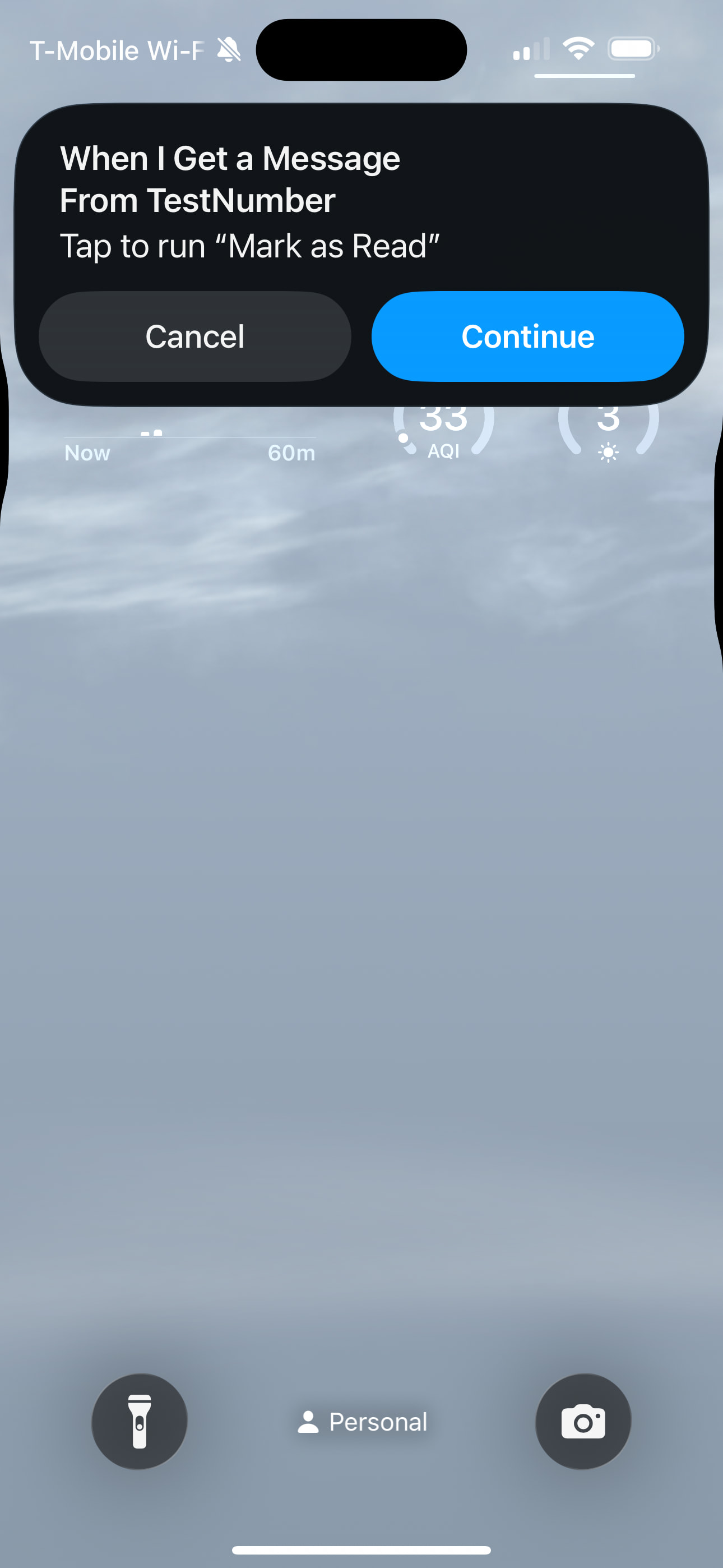
I have a Shortcut Automation that marks text message as read when received by a specific contact. It works fine when phone is unlocked but when phone is locked it will show a dialog prompt “Tap to run” with cancel/continue to run the Shortcut.
- Automation is set to “Run Immediately”
- Shortcut Privacy setting is set to “Allow Running When Locked”
- Screen Time is set to Always Allow Shortcut app
- Same behavior on all Focus modes
The Shortcut does run if I manually tap Continue on the dialog prompt or if I create a lock screen widget to manually run the Shortcut so don’t think this is a Shortcut setting issue but more of Shortcut Automation issue where it’s not respecting the toggle “Run Immediately” when locked.
How can I have the Shortcut Automation “Run Immediately” and not “Run After Confirmation” when phone is locked?